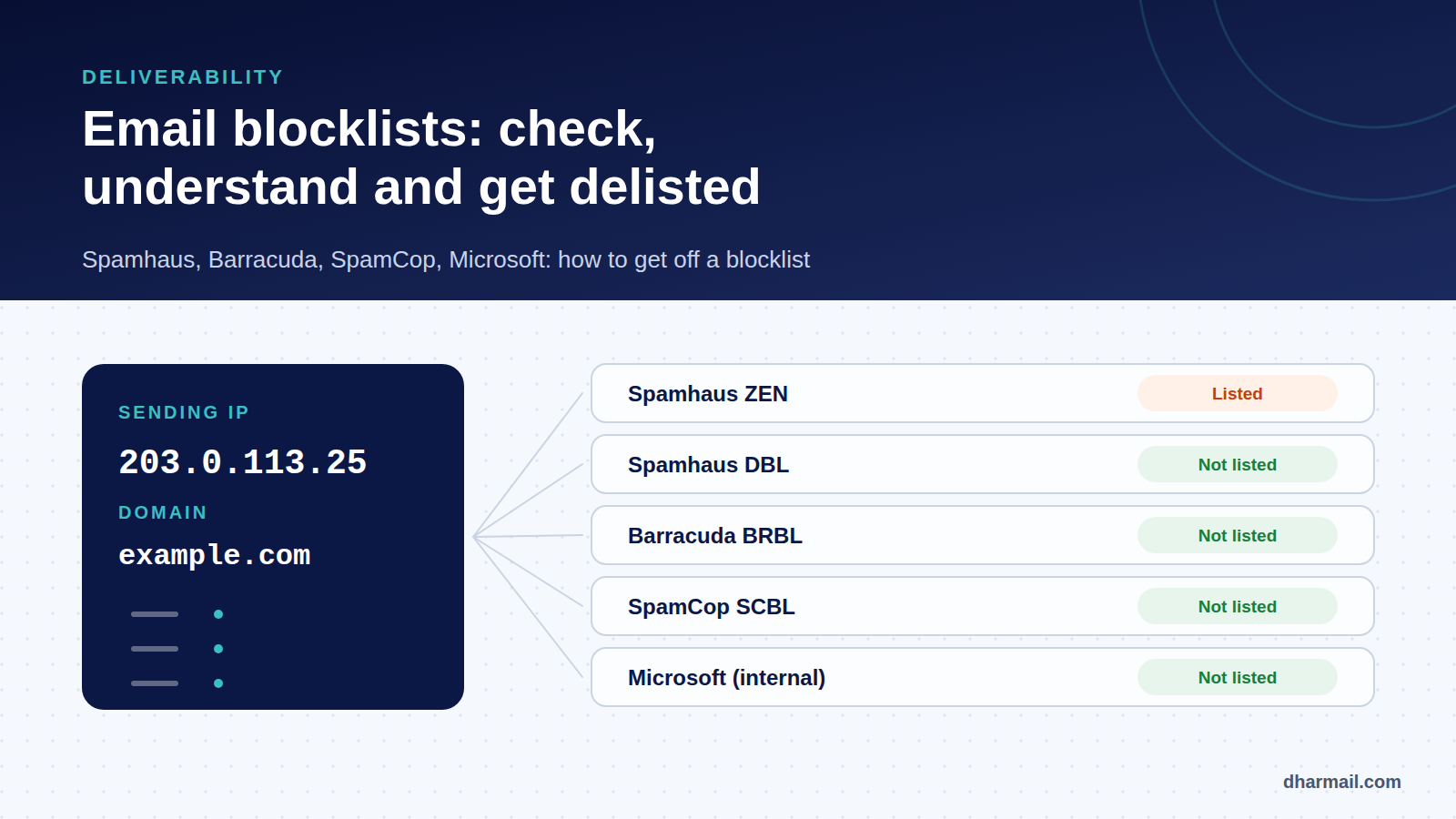
“Your message could not be delivered: the sender’s IP address is on a block list.” When this kind of error appears, panic often leads people to look for the removal form as fast as possible. That is the wrong first step. A blocklist (or blacklist) almost never lists an IP or domain without reason: if the cause is not dealt with, relisting follows quickly.
This guide explains how to check where you are listed, understand what each list holds against you, fix the cause and get removed. It is one of the email deliverability topics where method matters most.
Key takeaway: note the list named in the error, check with that list’s official tool, fix the cause (compromised account, abused form, degraded list, DNS), and only then request removal. A paid “express” removal fixes nothing.
What is an email blocklist?
A blocklist is a database of IP addresses or domain names associated with spam, compromised machines or risky sending practices. Receiving servers query it in real time, usually through a simple DNS lookup (a DNSBL), and decide whether to refuse, delay or penalise the message.
There are dozens of them, but their weight varies a lot. A few are used by a large number of filters; others have marginal influence. Major providers such as Microsoft also keep their own internal lists, which are not public.
Warning signs
The non-delivery message often names the list involved. Some common forms:
554 5.7.1 Service unavailable; Client host [203.0.113.25] blocked using zen.spamhaus.org
550 5.7.606 Access denied, banned sending IP [203.0.113.25]
550 5.7.1 Unfortunately, messages from [203.0.113.25] weren't sent. Please contact your Internet service provider since part of their network is on our block list (S3150).
The last two come from Microsoft: code 5.7.606 concerns Microsoft 365, the S3150 reference concerns the consumer services Outlook.com and Hotmail. Our SMTP error glossary helps read other codes.
Other, more diffuse signs should prompt a check: a sudden drop in opens at one specific provider, rising bounces mentioning reputation, customers complaining they no longer receive your invoices.
Step 1: check where you are listed
Start with the real sending IP, visible in the error message or in the Received header of a received message, and with your domain.
- Spamhaus: the official IP and Domain Reputation Checker (
check.spamhaus.org) shows whether an IP or domain is listed, on which list, and what to do. - Barracuda: the Barracuda Central lookup page checks an IP against its reputation list.
- SpamCop: its website lets you look up an IP.
- Microsoft: its list cannot be queried publicly. The error you receive is the only indicator.
Technical staff can also query a DNS list directly:
# IP 203.0.113.25 reversed, queried against Spamhaus ZEN
dig +short 25.113.0.203.zen.spamhaus.org
Watch out for a trap: Spamhaus blocks queries made through public DNS resolvers. The answer 127.255.255.254 does not mean you are listed: it means the query was refused. Use an attributable resolver or the official web tool.
Step 2: understand what the list holds against you
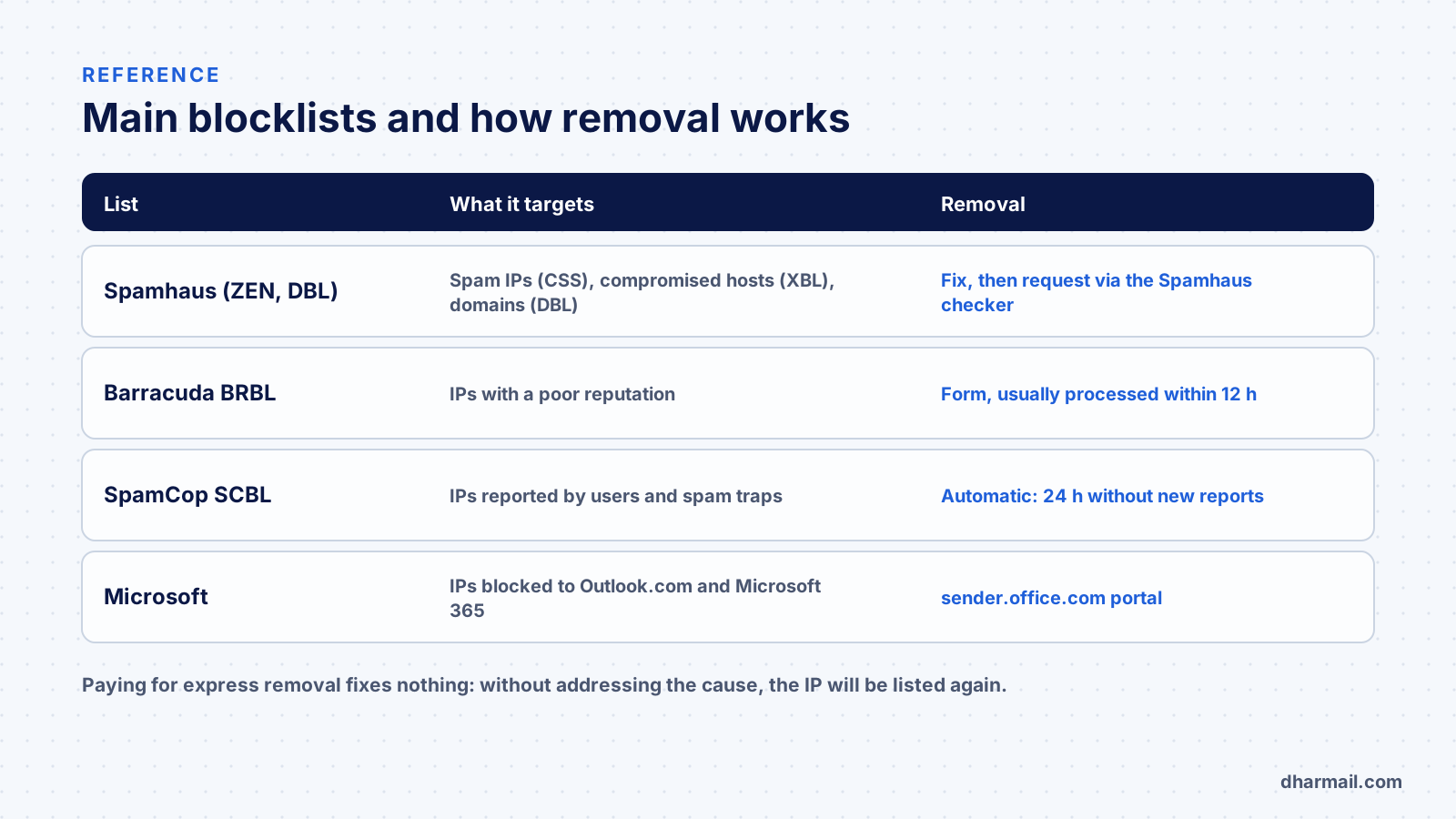
| List | What it targets |
|---|---|
| Spamhaus CSS | IPs sending spam or misconfigured infrastructure |
| Spamhaus XBL | IPs of compromised machines, proxies, malware |
| Spamhaus SBL | Identified spam sources and operations |
| Spamhaus PBL | IP ranges that should not send directly (consumer access, dynamic IPs) |
| Spamhaus DBL | Domain names found in unwanted messages |
| Barracuda BRBL | IPs with a poor reputation, manually verified according to Barracuda |
| SpamCop SCBL | IPs reported by users and spam traps |
Spamhaus’s ZEN list combines several of these IP lists: a positive ZEN result is read by looking at the code returned or the detail given by the official tool.
On 21 October 2026, Spamhaus published Sender Guidelines setting out the rules to follow to avoid a listing: confirmed opt-in, authentication, bounce rates, unsubscribe, and now a valid HELO, reverse DNS and a matching A record for every sending IP, gradually required from November 2026. A DNS identity problem alone can therefore lead to a CSS or XBL listing.
Step 3: find and fix the cause
This is the step that decides everything. The most frequent causes:
A compromised account or machine. A mailbox with a leaked password, an infected workstation or a hacked web server can send spam from your infrastructure. An XBL listing often points this way. Check sign-ins, abnormal sending volumes and forwarding rules, as in our article on compromised mailboxes.
An abused web form. A contact form that sends an acknowledgement to the address entered can be used by bots to send content to thousands of addresses.
A degraded contact list. Sends to old lists hit spam traps and recycled addresses. See B2B list quality and bounce handling.
An inconsistent configuration. Missing or generic PTR, invalid HELO, direct sending from a residential IP: see Gmail error 550-5.7.25 on reverse DNS.
Shared neighbours. On a shared IP (hosting, ESP), another customer can cause the listing. Then it is up to the provider to act.
For a domain (DBL): a link to a compromised site, an abused URL shortener or a new domain used heavily in campaigns can be enough.
Step 4: request removal
Once the cause is fixed and documented:
- Spamhaus: the request is made from the official checker, which shows the procedure for each list. For the PBL, removal is only justified if the IP really is a properly configured mail server.
- Barracuda: a form asks for the IP, a contact address and an explanation. Barracuda says it usually processes requests within 12 hours if the explanation is valid; multiple requests are ignored.
- SpamCop: removal is automatic. According to SpamCop, an IP with no new reports stays listed for only 24 hours.
- Microsoft: for an IP banned with
5.7.606, the sender.office.com portal lets you request removal after email verification. For consumer mailboxes (S3150 reference), the Outlook.com sender support form is the usual route.
Some lists offer paid express removal. It fixes nothing: as long as the cause exists, the IP will be listed again, and many filters give these lists little weight.
Step 5: prevent the next listing
- Monitor your sending IPs and domains on the main lists regularly.
- Separate flows: a dedicated subdomain and platform for marketing protect the domain and IPs used for critical email.
- Authenticate every flow with aligned SPF, DKIM and DMARC.
- Protect accounts: multi-factor authentication, alerts on unusual sending volumes.
- Maintain your list: remove hard bounces quickly, manage inactive contacts, never buy lists.
- Check your servers’ DNS identity: consistent PTR, HELO and A record.
FAQ
How do I know if my domain is blacklisted?
Use Spamhaus’s official tool for the IP and the domain, plus Barracuda’s and SpamCop’s tools. The error you receive often names the list involved.
How long does a blocklist listing last?
It depends on the list: SpamCop removes an IP automatically after 24 hours without new reports; Barracuda usually processes requests within 12 hours; Spamhaus reviews the request once the cause is fixed.
My IP is shared with other customers, what should I do?
Contact your host or sending platform with the full error. If the problem keeps recurring, consider another IP or another provider.
Does the answer 127.255.255.254 mean I am listed?
No. It is a Spamhaus error code: the query went through a public DNS resolver and was refused.
Do I have to pay to get off a blocklist?
No. The major lists offer free removal once the cause is fixed. A paid removal does not fix the cause.
Conclusion
Getting off a blocklist rarely takes long; staying off requires understanding why you got there. Note the list named, check with the official tool, fix the cause, then request removal and monitor. If rejections persist or the cause cannot be found, Dharmail’s deliverability troubleshooting service (page in French) starts from the error message to identify it.