An SMTP bounce means an email was not delivered as planned.
But not all bounces mean the same thing.
A hard bounce usually points to a permanent problem. A soft bounce rather indicates a temporary block, a limit, or a situation that may resolve after a retry.
Telling them apart is essential to protect sender reputation and keep a clean email list.
What an SMTP bounce is
When a server sends an email, the receiving server replies during the SMTP conversation.
It can accept the message, refuse it immediately, or ask the sender to try again later.
These replies are expressed as codes.
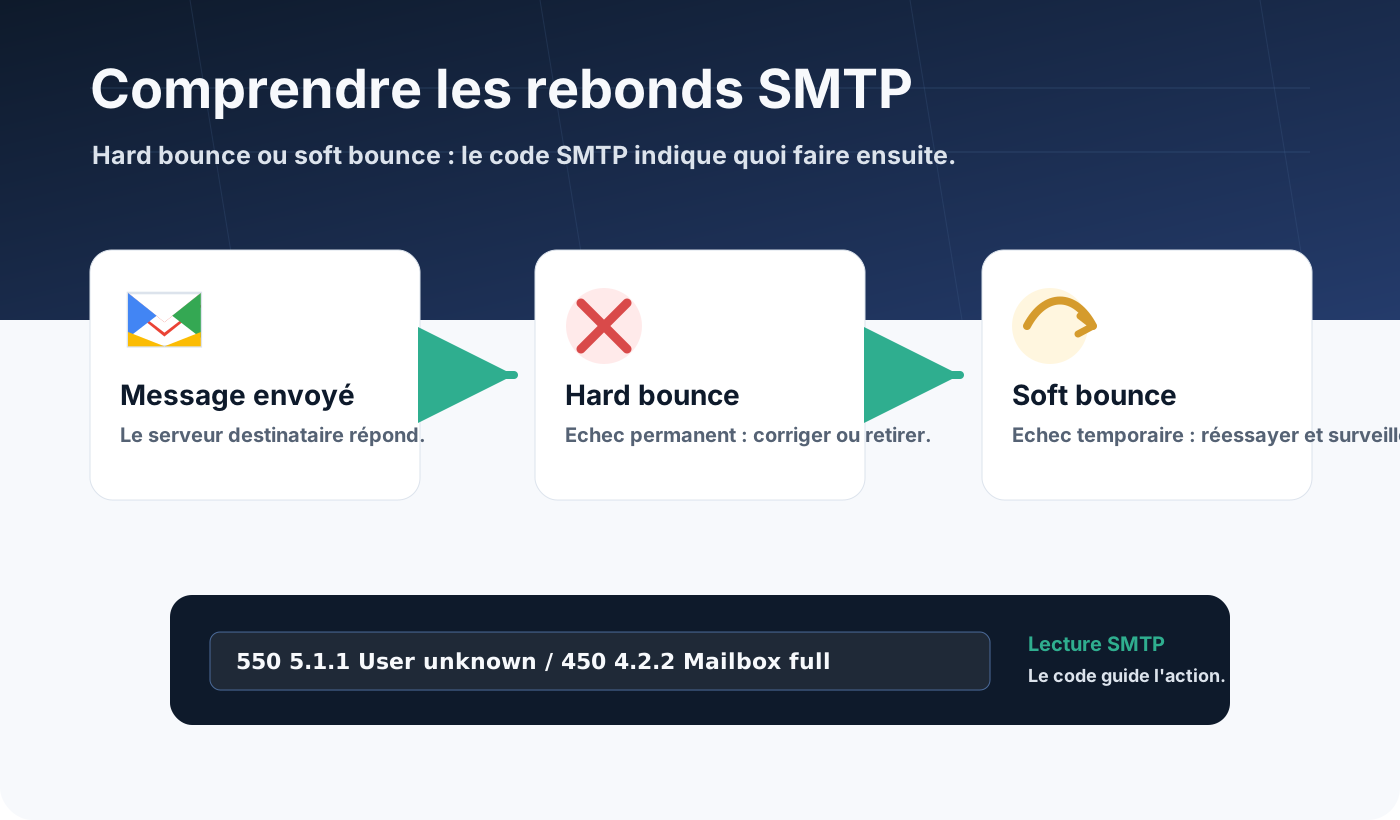
The first digit already gives a good indication:
2xx: the message is accepted;4xx: temporary failure;5xx: permanent failure or refusal.
In deliverability, this distinction becomes operational.
A 5xx is not handled like a 4xx. Removing addresses too quickly after a temporary problem can lose good contacts. Continuing to send to permanently invalid addresses, on the other hand, can damage reputation.
Hard bounce: a permanent failure
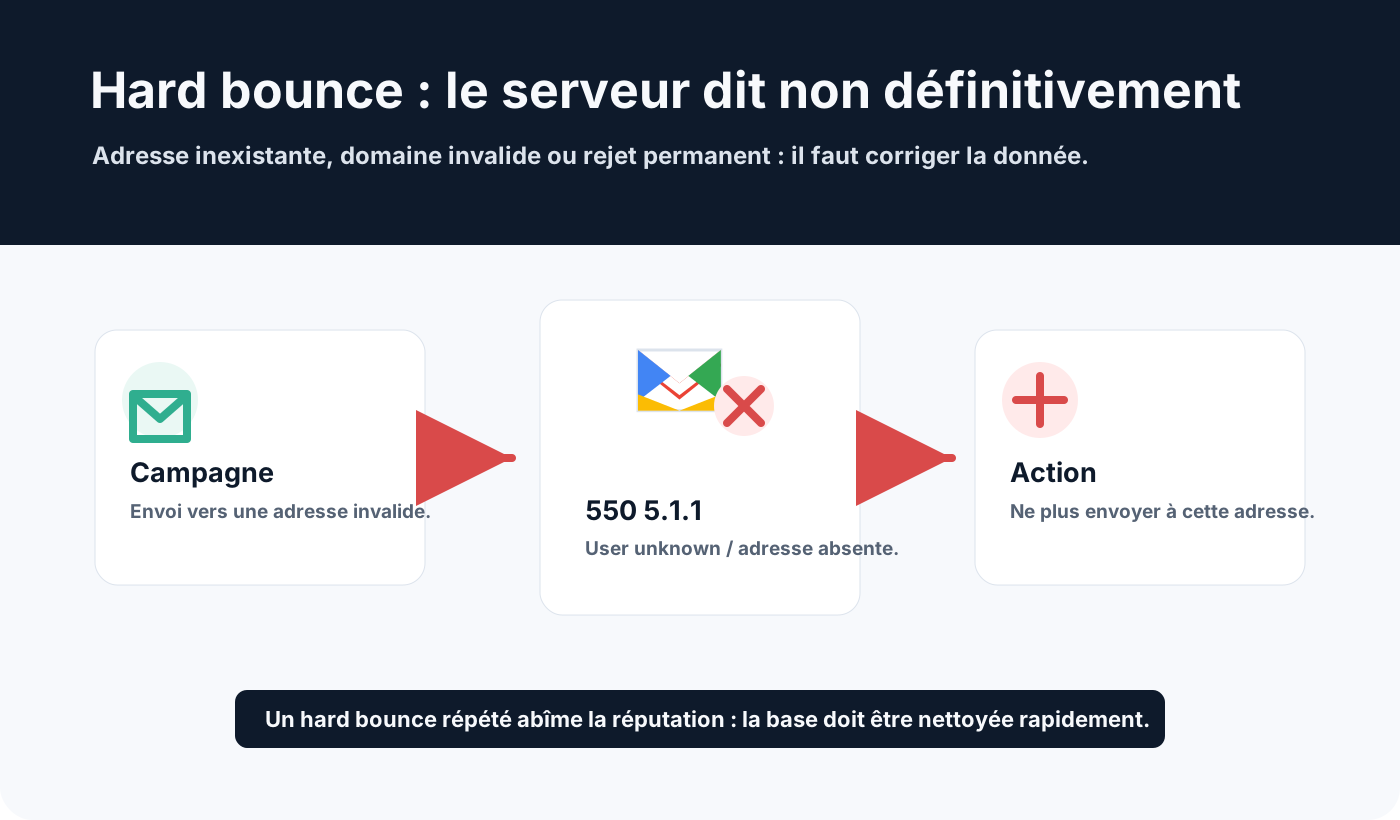
A hard bounce means the message cannot be delivered, permanently.
The most frequent cause is an address that does not exist, no longer exists or never existed.
Examples:
550 5.1.1 User unknown
550 5.1.10 Recipient not found
553 5.1.3 Bad recipient address syntax
In these cases, the receiving server is not saying “try again later”. It is saying: “this address is not valid for me”.
Frequent causes:
- mistyped address;
- employee who left the company;
- deleted mailbox;
- abandoned recipient domain;
- removed alias;
- incorrect syntax;
- non-existent domain.
The right action is to remove or deactivate the address quickly.
Soft bounce: a temporary failure
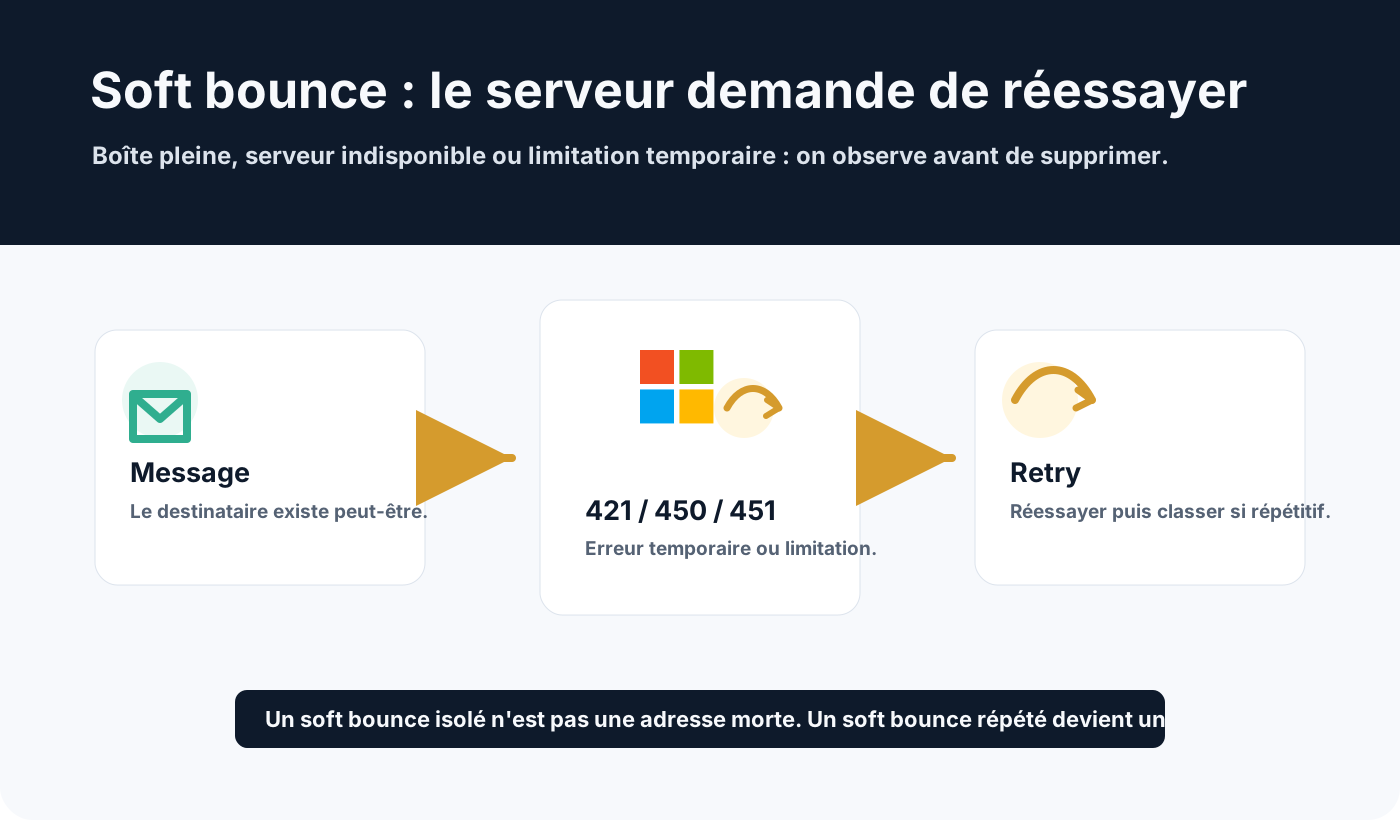
A soft bounce means the message was not accepted now, but might be later.
The recipient may exist. The problem often comes from a resource that is temporarily unavailable.
Examples:
421 4.7.0 Try again later
450 4.2.1 Mailbox temporarily unavailable
451 4.3.0 Temporary local problem
452 4.2.2 Mailbox full
Frequent causes:
- full mailbox;
- receiving server unavailable;
- greylisting;
- volume throttling;
- temporarily cautious anti-spam;
- momentary DNS problem;
- incident at the receiving provider;
- message too large in a temporary context.
The right action is to let the system retry, then watch for repetition.
A single soft bounce should not automatically remove a contact.
When a soft bounce becomes a real risk signal
The trap is to treat all soft bounces as harmless.
A single event may be temporary. But repetition across several campaigns or several days often shows that the address has become fragile.
For example:
- a mailbox full for several weeks;
- a domain that systematically throttles your sends;
- a server that always answers
421; - an address that never receives despite several attempts;
- an anti-spam rule blocking every campaign of a given type.
In that case, flag the address or domain for monitoring.
Depending on the context, you can reduce pressure, pause sending temporarily, trigger a revalidation, or remove the address after several failures.
Why bounces damage reputation
Providers such as Gmail, Microsoft and Yahoo watch quality signals.
A sender who keeps mailing many invalid addresses looks like they are using a poorly maintained list.
Hard bounces are particularly sensitive.
They show that collection, updating or qualification of contacts is not under control. Our article on B2B list quality explains why.
Repeated soft bounces can also become a problem, especially if they reveal too much pressure on certain domains or poor queue management.
How to handle bounces in the list
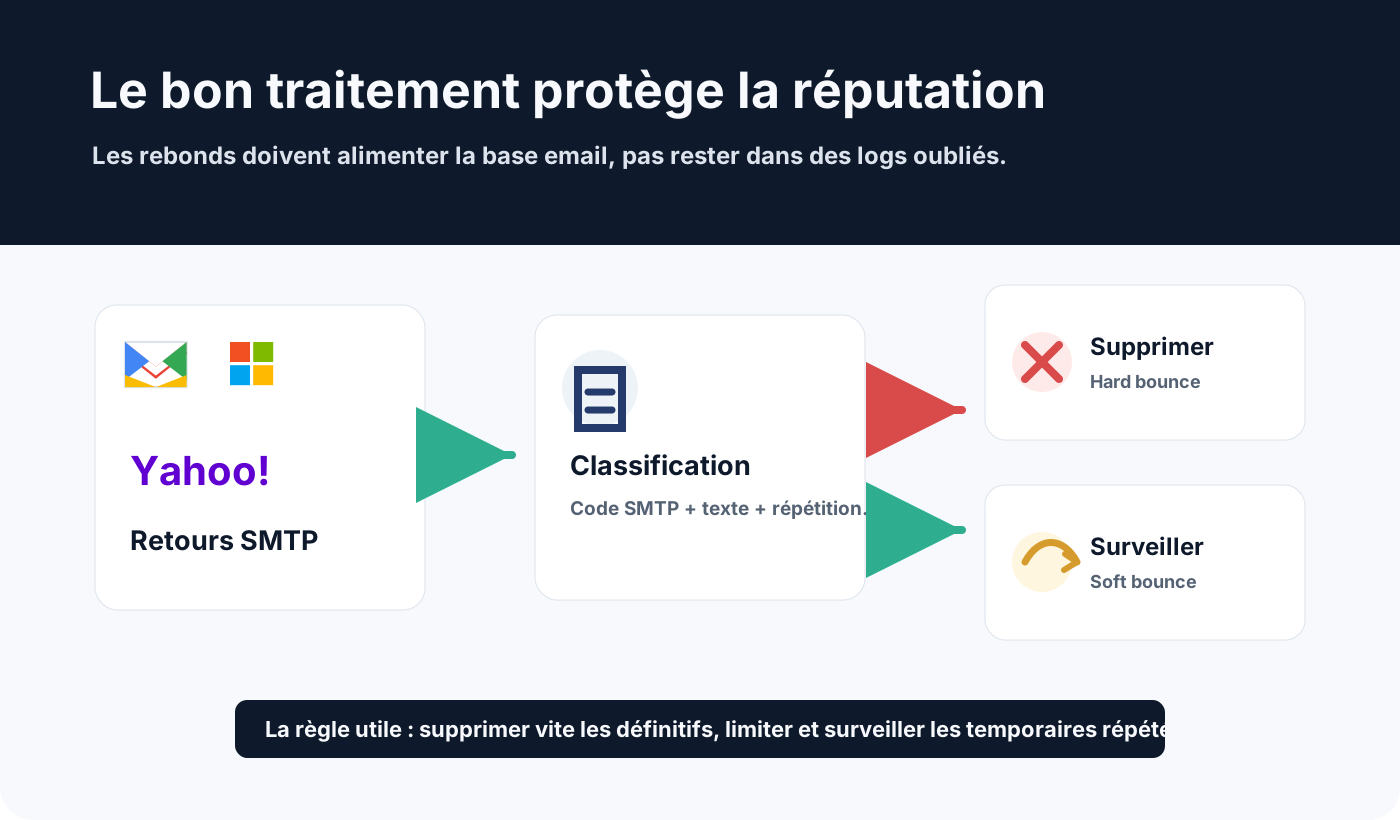
Bounces must flow back into the email list or CRM.
They should not stay only in an SMTP relay’s logs or in a marketing platform’s interface.
Practical rules:
- remove or deactivate confirmed hard bounces;
- do not remove a single soft bounce;
- count repeated soft bounces per address;
- monitor errors by recipient domain;
- separate address errors from policy refusals;
- keep the full SMTP message;
- document the removal rules;
- sync statuses between CRM, ESP and business tools.
A clean list is not just a list with fewer addresses. It is a list where every status means something.
Beware of false hard bounces
Not every 5xx code means an address is dead.
A 550 can mean an unknown address, but also an anti-spam refusal, a reputation block or a security policy.
Examples:
550 5.1.1 User unknown
550 5.7.1 Message rejected
550 5.7.26 Unauthenticated email is not accepted
The first example points to an invalid address.
The other two call for checking reputation, content, SPF, DKIM, DMARC or alignment.
That is why you should never classify on the 550 code alone. The full text and the enhanced code are essential. Our list of SMTP errors helps interpret them.
Good management practices
Good bounce management relies on a simple method.
For each SMTP reply, identify:
- the main code:
4xxor5xx; - the enhanced code:
5.1.1,4.2.2,5.7.1; - the exact text returned by the server;
- the recipient domain;
- repetition over time;
- the type of flow concerned: transactional, marketing, CRM or support.
Then apply a clear rule.
An address hard bounce must be excluded from the next campaigns quickly.
A soft bounce must be retried, monitored, then classified if the problem persists.
A policy refusal must trigger a technical or reputation diagnosis, not just a contact clean-up.
Conclusion
The difference between hard and soft bounces is a foundation of deliverability.
A hard bounce indicates a lasting problem: non-existent address, invalid domain or a recipient permanently unreachable.
A soft bounce indicates a temporary problem: full mailbox, unavailable server, throttling, greylisting or a one-off incident.
The right reflex is not just to count bounces. You need to read them, classify them and feed them back into list management.
Removing hard bounces quickly and watching repeated soft bounces protects sender reputation, improves campaign quality and avoids talking to addresses that can no longer answer.
If bounces rise for no clear reason, see Dharmail’s deliverability troubleshooting service (page in French).