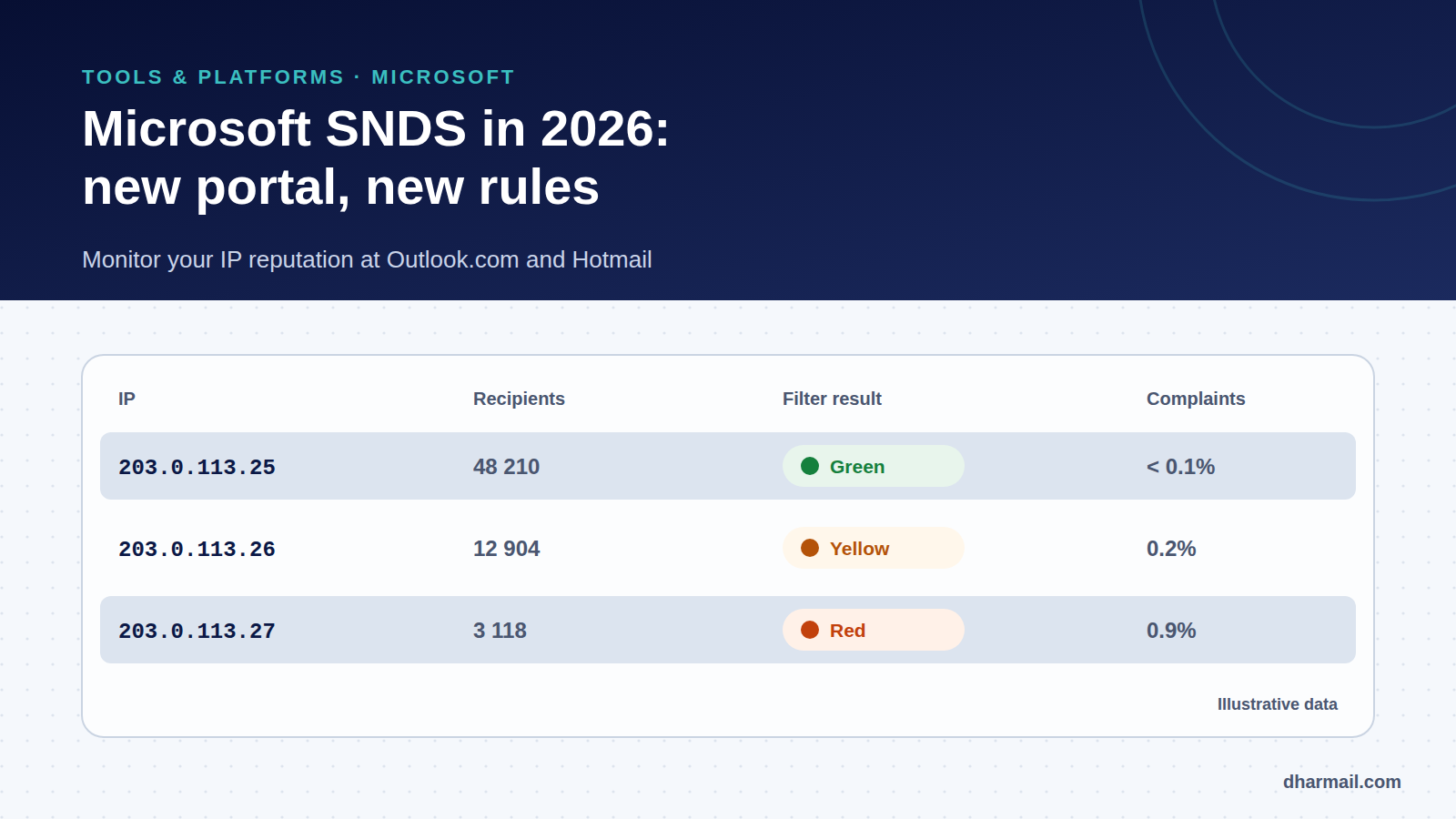
Google has Postmaster Tools. Microsoft has SNDS (Smart Network Data Services): a free portal showing how Outlook.com, Hotmail and Live rate the traffic from your sending IP addresses. For a sender with dedicated IPs, it is the only direct window on reputation at Microsoft.
SNDS changed a lot between late 2025 and autumn 2026: new portal, tighter access, header-only complaint reports, time-limited automated access links. Here is how to use it today and what to adapt if you were already using it.
Key takeaway: SNDS only covers IPs you control. If you send through Microsoft 365, Google Workspace or a shared IP at an ESP, it is the provider’s job to monitor it. The portal migrated in 2026: check your access, your automated links and how you process JMRP reports.
What is SNDS for?
For each registered IP, SNDS shows the traffic received by Microsoft’s consumer mailboxes:
- the activity period, the number of
RCPTcommands and recipients; - the filter result, shown as a colour;
- the complaint rate, meaning messages reported as junk relative to the number of recipients;
- the IP status over the last 24 hours: blocked, identified as a bot or sent to Junk.
According to Microsoft’s FAQ, an IP sending fewer than 100 messages a day may show no data, and history is kept for 90 days.
Reading the colours
| Colour | Meaning according to Microsoft |
|---|---|
| Green | Less than 10% of messages judged as spam |
| Yellow | Between 10% and 90% |
| Red | More than 90% |
Microsoft states that this colour is not a direct measure of inbox delivery. It is a trend indicator: an IP moving from green to yellow deserves immediate investigation. On complaints, the FAQ cites 0.3% as a reasonable bar to aim for, without making it a filtering threshold.
Signing up for SNDS
- Sign in to the portal with a Microsoft account.
- Request access to an IP, address range or autonomous system number you are responsible for.
- Approve the request from one of the addresses Microsoft offers, found through reverse DNS and address registries (for example the domain’s
postmaster@orabuse@).
So you must be able to receive email at those addresses: without a working postmaster@ mailbox, sign-up stalls. Microsoft says it does not process manual requests. Access can then be delegated to other accounts.
Since an update on 22 September 2026, the portal states that network access is now permanent: periodic ownership reattestation is no longer required.
JMRP: your recipients’ complaints
JMRP (Junk Mail Reporting Program) is Microsoft’s feedback loop: when an Outlook.com user marks your message as junk, a report is sent to you. It is Microsoft’s equivalent of the information Gmail gives as a rate in Postmaster Tools.
The format has changed. Microsoft announced that reports, in the standard ARF format, would contain only the original headers and some authentication headers, with the sender address redacted. Downloadable complaint samples were removed. Consequently, if your tool identified the recipient from the message body or return path, you now need to rely on identifiers present in the headers, such as the Message-ID.
The 2026 changes, in order
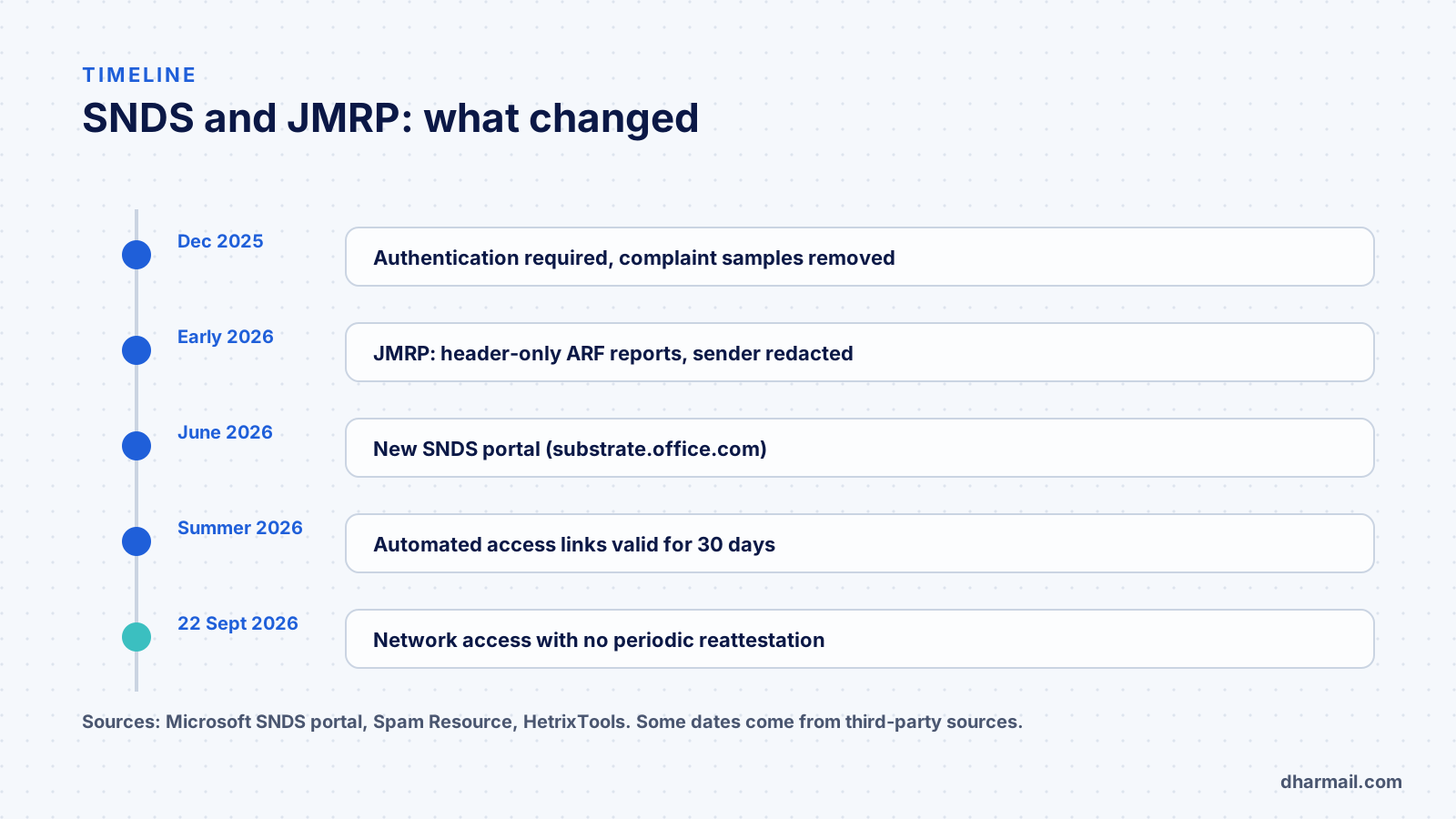
- December 2025: approving network access requires authentication, complaint samples are removed and automated access gets stronger protection (announcement reported by Spam Resource).
- June 2026: a new SNDS portal replaces the old one, on
substrate.office.com. Old addresses redirect to it. Spam Resource reported teething problems at the time (confirmation emails, feeds). - Summer 2026: automated access links expire after 30 days. The monitoring tool HetrixTools says SNDS access keys expire every 30 days since 8 July 2026.
- 22 September 2026: network access no longer requires periodic reattestation.
Other changes are reported by a single source, SMTPedia, without Microsoft confirmation: a REST API with OAuth 2.0 authentication and the removal of spam trap data from reports. Check them in your portal before relying on them.
What to adapt if you already used SNDS
- Sign in again to the new portal and check that each IP range is still authorised.
- Replace scripts that queried the old address, and plan to renew links every 30 days. Collection that fails silently is worse than none.
- Check your JMRP feeds: according to Microsoft, those not linked to an SNDS account were removed.
- Adapt report processing to the new header-only format.
SNDS and the rest of your monitoring
SNDS does not replace Google Postmaster Tools, which rather rates domain reputation at Gmail, nor your DMARC reports, which show who sends with your domain. It completes the picture on Microsoft’s side, where IP reputation still matters a lot. If you are blocked, Microsoft’s delisting portal is separate: our guide to blocklists details the procedure.
FAQ
Is SNDS useful if I send with Microsoft 365?
No: the IPs belong to Microsoft. SNDS is for senders who control their own sending IPs.
Why does SNDS show no data for my IP?
An IP sending fewer than 100 messages a day to Microsoft mailboxes may not appear. Also check that access to the IP is approved.
Does a green IP guarantee inbox delivery?
No. Microsoft states the colour is not a direct measure of placement. It is a trend indicator.
What is JMRP?
Microsoft’s feedback loop: it passes on complaints from Outlook.com users, now as header-only reports.
Do I need to renew SNDS access?
Since September 2026, network access no longer requires reattestation. Automated access links, however, expire after 30 days.
Conclusion
SNDS remains the reference tool to monitor your IP reputation at Microsoft, provided you followed its 2026 migration: new portal, links to renew, slimmer complaint reports. If you run your own sending IPs and your Microsoft signals deteriorate, Dharmail’s monitoring and supervision service (page in French) includes SNDS in regular checks.