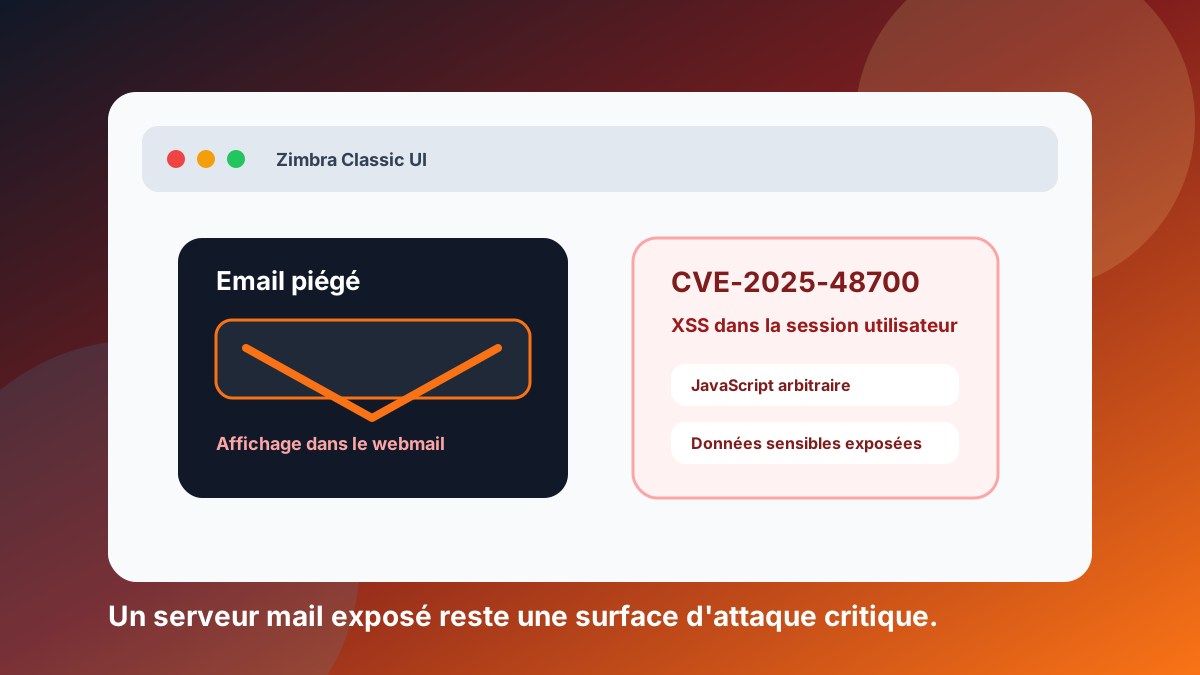
More than 10,000 Zimbra servers are reportedly still vulnerable to a flaw that is already being exploited.
According to BleepingComputer, vulnerability CVE-2025-48700 affects Zimbra Collaboration Suite and could allow arbitrary JavaScript to run in the user’s session through an XSS flaw in the Zimbra Classic interface.
The most worrying part is the trigger: exploitation can happen when a user views a specially crafted email in the vulnerable interface.
No malicious attachment needed. No macro. Not necessarily a clicked link.
Just an email displayed in a vulnerable webmail.
Sources: BleepingComputer and NVD - CVE-2025-48700.
What we know about CVE-2025-48700
CVE-2025-48700 is a Cross-Site Scripting vulnerability in Zimbra Collaboration Suite.
According to published information, it affects in particular ZCS versions 8.8.15, 9.0, 10.0 and 10.1. The problem comes from insufficient filtering of some HTML content, which can allow JavaScript to run in the user’s session.
BleepingComputer also reports that CISA added this vulnerability to its catalogue of exploited vulnerabilities, and that Shadowserver observed more than 10,500 exposed, unpatched Zimbra servers.
So this is not just a theoretical vulnerability. It is an operational risk for organisations still exposing vulnerable instances.
Why this scenario is worrying
Email is a special attack surface: it is used all day, by many users, with content received from outside.
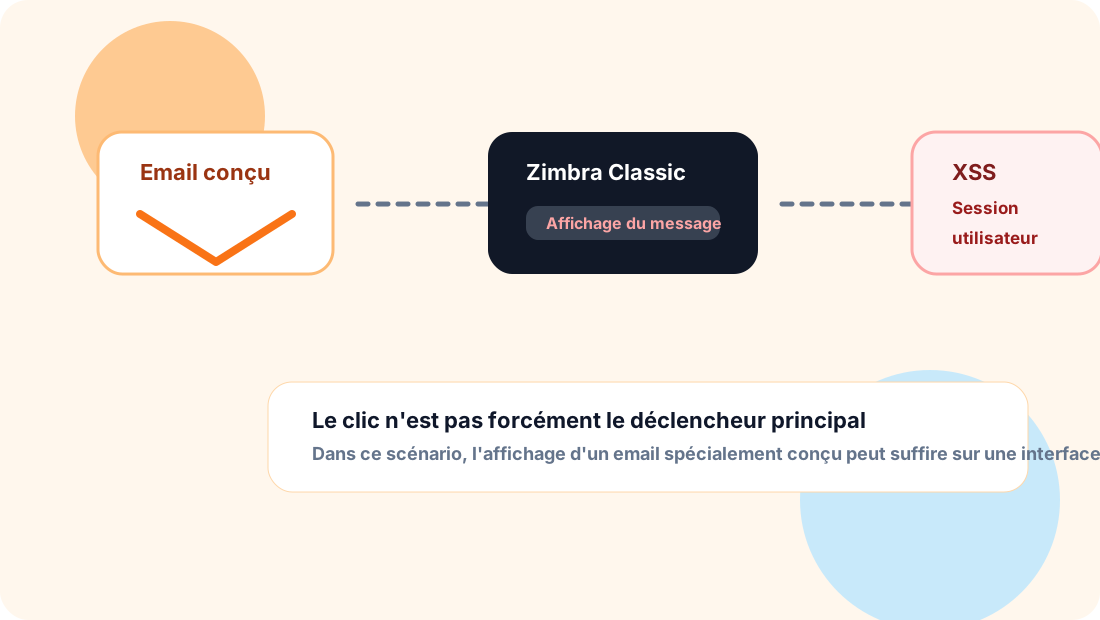
In this case, the risk does not rely only on the user clicking. Simply displaying a specially crafted message in a vulnerable interface can be enough to trigger it.
That is precisely why an exposed webmail must be treated as a critical application.
A mail server does not just hold messages. It can expose:
- internal exchanges;
- sensitive attachments;
- customer or supplier information;
- password resets;
- links to other applications;
- active sessions;
- credentials or identity clues.
A mail compromise can therefore become an entry point to other accounts or systems. Our article on CEO fraud from compromised mailboxes shows how an attacker uses this access.
Email security does not stop at SPF, DKIM and DMARC
SPF, DKIM and DMARC are essential for email authentication. They help reduce domain spoofing and improve trust in the messages sent.
But they do not protect a vulnerable webmail.
Email security also covers the whole infrastructure:
- the mail server;
- the webmail interface;
- authentication;
- internet exposure;
- security patches;
- access logs;
- suspicious sign-ins;
- monitoring;
- compromised accounts.
In other words, a domain can have clean SPF, active DKIM and well-configured DMARC, and still be exposed if its webmail is not maintained.
Priority actions for organisations using Zimbra
For organisations still using Zimbra, the first actions are simple to state, but must be carried out quickly.
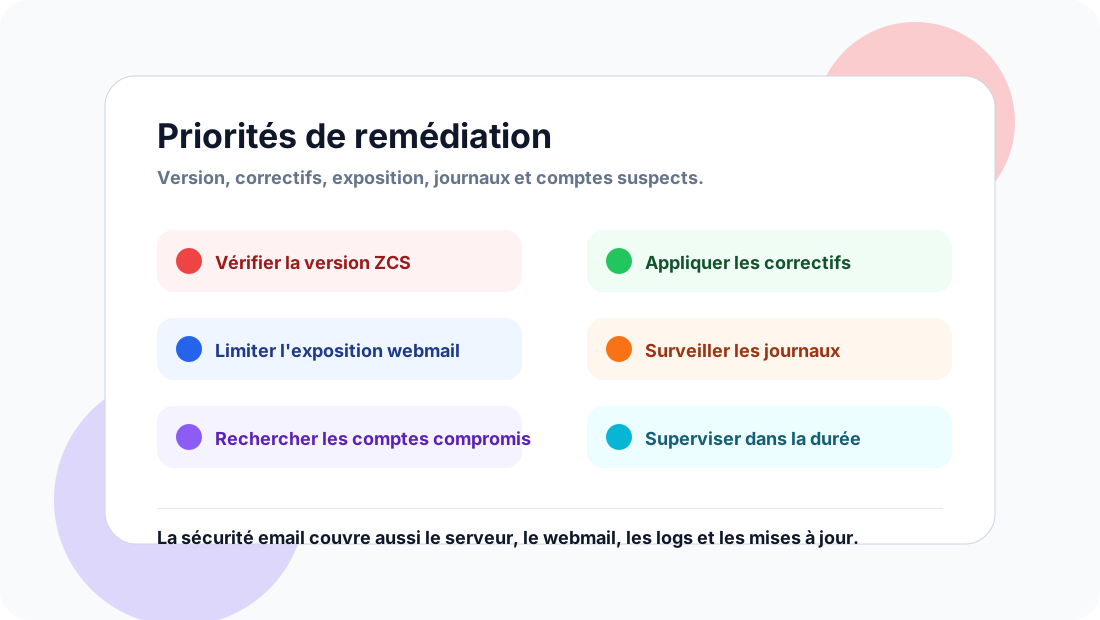
Check the version in use
The first step is to identify precisely which version of Zimbra Collaboration Suite is deployed.
Knowing that “Zimbra is installed” is not enough. Check the version, the edition, the exposed components and the interface users actually use.
Apply the security patches
If the instance is affected, the available patches must be applied.
An unpatched mail server quickly becomes a priority target, especially when a vulnerability is known, documented and actively exploited.
Limit public exposure of the webmail
Where possible, reduce the public exposure of the webmail interface.
Depending on the context, this can mean:
- access filtering;
- a VPN;
- restriction by IP address;
- publishing behind a protection layer;
- disabling old interfaces that are not needed.
The right level of restriction depends on the organisation, but leaving an old interface exposed without monitoring is rarely a good idea.
Monitor logs and accounts
After patching, you also need to look at what may have happened before.
A few useful checks:
- unusual sign-ins;
- access from atypical countries or IP addresses;
- recently created forwarding rules;
- password changes;
- abnormal behaviour on some accounts;
- webmail activity spikes;
- traces of access to sensitive messages.
Patching closes the door. Log analysis helps you find out whether someone already got in.
A reminder for system administrators
Zimbra is often installed in environments where email is managed independently. That is a strength, but also a responsibility.
You need to maintain:
- the operating system;
- Zimbra;
- certificates;
- authentication mechanisms;
- backups;
- logs;
- security policies;
- network exposure.
A self-hosted or dedicated mail system must never be treated as a black box that “works as long as it receives email”.
The link with deliverability
At first glance, an XSS flaw in a webmail seems to be purely a cybersecurity matter.
But the impact can also reach deliverability and reputation.
A compromised server can be used to send fraudulent messages, hijack accounts, create forwarding rules or support internal and external phishing campaigns.
When mail infrastructure becomes suspect, the organisation’s reputation can suffer. Recipients, partners and suppliers can lose trust.
Deliverability does not depend only on DNS. It also depends on the integrity of the infrastructure that sends, receives and exposes email.
Conclusion
This Zimbra alert is a reminder of a simple reality: email remains critical infrastructure.
A mail server holds sensitive data, acts as a gateway to other services and is used constantly by staff.
The priority is clear: check versions, apply patches, limit exposure, monitor logs and look for signs of compromise.
In email security, blind spots are not limited to DNS records. They also lie in exposed webmails, old interfaces, unmaintained servers and logs nobody ever reads.
If you are considering moving away from a self-hosted mail server, see Dharmail’s mail migration service (page in French).