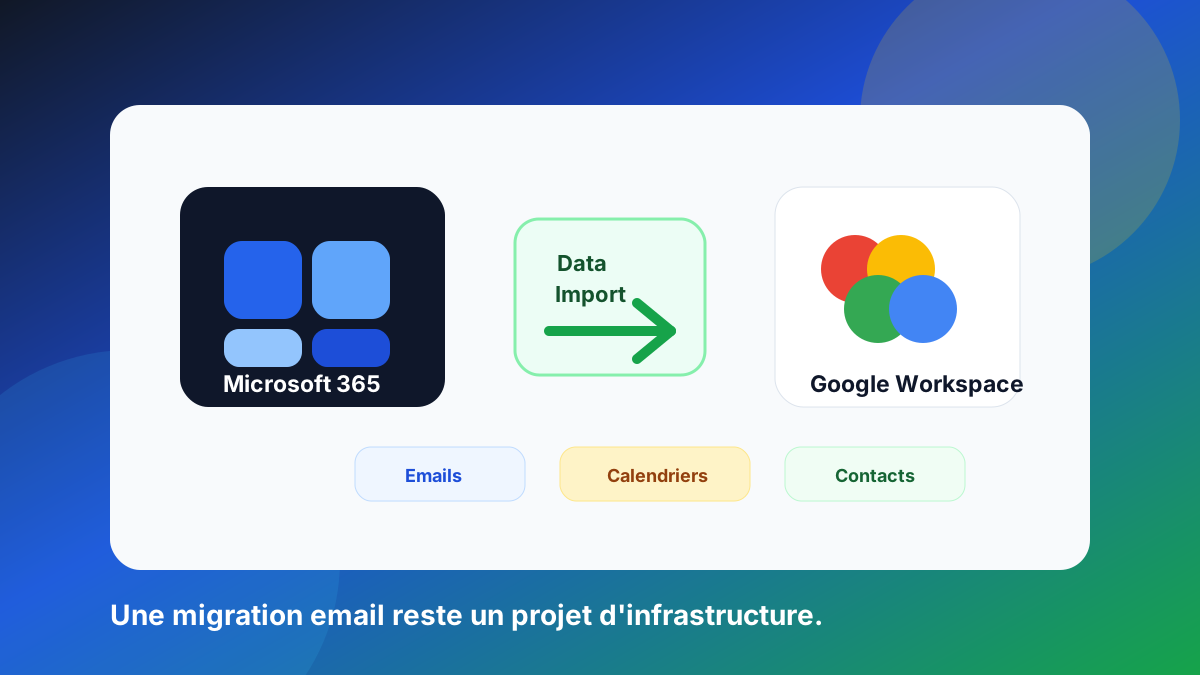
Google Workspace is making migrations from Microsoft 365 simpler.
On 22 April 2026, Google announced the general availability of Data Import, a tool designed to ease migrations to Google Workspace from Microsoft Exchange Online.
The goal is clear: make migrations simpler, faster and more reliable, especially for email, calendars, contacts and large-scale migrations from Microsoft 365.
Official source: Google Workspace Updates.
What Google announced
Data Import is available from the Google Workspace Admin console. The approach is cloud-native and designed to avoid adding a third-party migration tool in some scenarios.
According to Google, Data Import brings three main promises:
- use directly from the Admin console;
- faster migrations thanks to parallelisation and better algorithms;
- no extra cost for a third-party migration tool.
Google also says a planning tool comes with large migrations. It helps estimate timelines and organise users into more efficient batches.
For IT teams, this is an interesting announcement. Mail migration is often a sensitive project, especially when it touches mailboxes, calendars, contacts and daily work habits.
Why this is good news
On paper, migrating a mailbox can look simple: copy the messages from one environment to another.
In reality, business email is rarely isolated. It is linked to identity, access rights, business tools, shared calendars, routing rules and domain security.
A built-in, more industrialised tool can therefore save time. It can also reduce some operational risks: handling errors, lack of visibility, reliance on temporary infrastructure or the cost of external tools.
But one thing must be kept in mind: a good migration tool does not replace serious technical preparation.
What to prepare before the migration
Before a Microsoft 365 to Google Workspace migration, map everything that really depends on email.
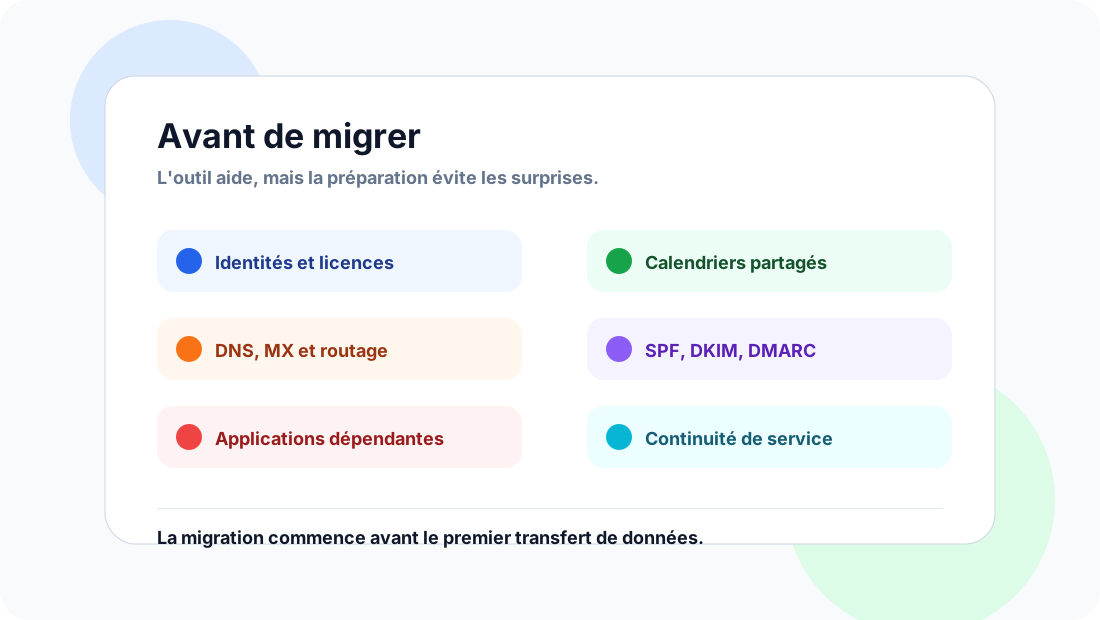
The points to check go well beyond mailbox content:
- identities and user accounts;
- access rights and delegations;
- shared calendars and resources;
- groups and aliases;
- routing rules;
- applications that send email;
- web forms, CRM, invoicing or support tools;
- DNS records;
- MX records;
- SPF, DKIM and DMARC;
- service continuity during the cutover;
- risks of data loss, duplicates or inconsistencies;
- user support.
This work may seem long, but it avoids nasty surprises. A migration is often when you discover that an old tool, a forgotten form or a business application still depended on the old environment.
The real issue: the email cutover
The most visible part of a migration is often copying the data. Yet the most critical phase is usually the cutover.
From the moment mail must arrive in the new environment, DNS becomes central.
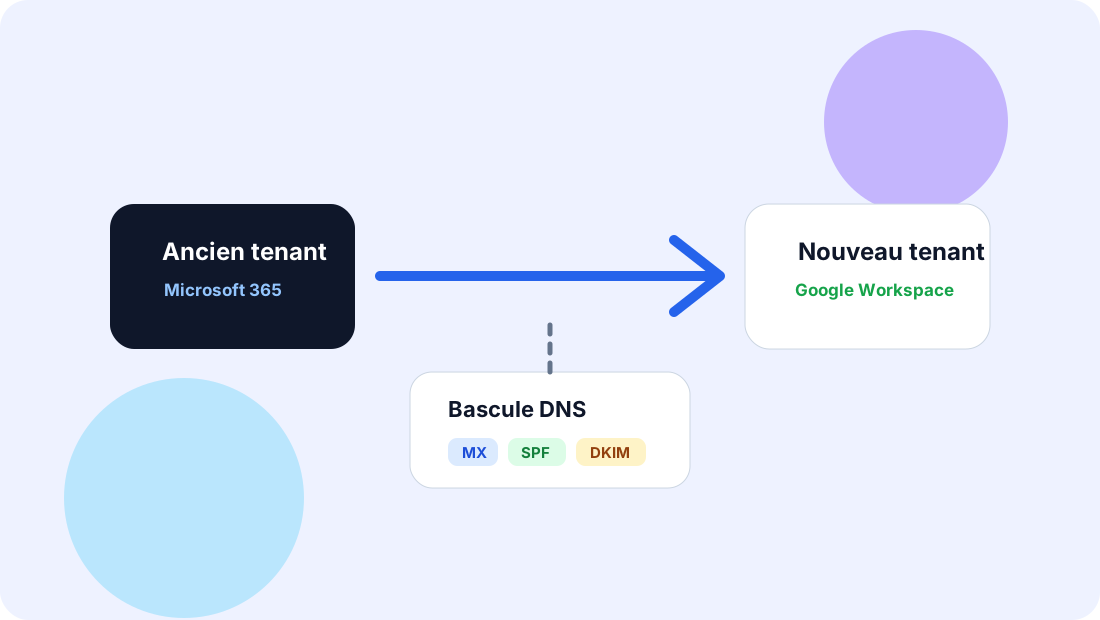
In particular, check:
- when to change the
MXrecords; - how to keep receiving mail during the transition;
- which platforms must keep sending;
- how to adapt
SPF; - how to enable or replace
DKIMsignatures; - how to preserve
DMARCalignment; - how to handle transactional or application email;
- how to avoid outages for users.
A successful migration is not just about moving messages. It must ensure that the company keeps receiving, sending and authenticating its email correctly.
SPF, DKIM, DMARC: not a last-minute task
In many projects, SPF, DKIM and DMARC come too late. They are sometimes treated as a DNS formality at the end of the project.
That is a mistake.
These records must be part of the preparation, because they determine the trust given to emails sent after the migration. Our guide to configuring SPF, DKIM and DMARC without breaking email delivery explains how to proceed.
A simple example: if business tools keep sending through Microsoft 365, an SMTP relay, a CRM or a marketing platform, the domain must remain consistent. Otherwise, you can create authentication failures or negative deliverability signals.
A migration is also an ideal moment to clean up the email ecosystem.
Users are part of the project too
Email is not only technical infrastructure. It is also an everyday tool.
Users need to understand what changes:
- access to the new mailbox;
- retrieving old emails;
- interface differences;
- calendar management;
- delegations;
- signatures;
- rules and filters;
- good practices after the cutover.
A technically clean project can be poorly received if support is insufficient. Conversely, clear preparation reduces support tickets and early blockers.
What this announcement really changes
Data Import is good news for companies considering Google Workspace. It shows that Google wants to make migrations from Microsoft 365 more accessible, more integrated and easier to manage.
But it does not change the nature of the job.
An email migration remains an infrastructure project. It affects security, deliverability, data, users and service continuity.
Email is not just an inbox. It is critical company infrastructure.
Conclusion
Google Workspace Data Import can simplify a significant part of migrating from Microsoft 365.
It is a useful step forward, especially for organisations that want to reduce their reliance on third-party tools and manage the migration from the Admin console.
But before launching a transfer, always audit the existing setup, map email flows, check application dependencies, prepare the DNS cutover and anticipate the impact on SPF, DKIM and DMARC.
A migration is often when you discover everything that really depends on email. Better to find out before the cutover than in production.
To prepare these dependencies, see Dharmail’s mail migration service (page in French).